


Our research team and I spent over 200 hours testing 12 of the top ecommerce platforms in 2025 – but we only have time to give you the top five.
After a deep dive into ease of use, pricing, features, SEO capabilities, and scalability, we've narrowed down our picks to the top ecommerce platforms we think will suit any type of online business.
Whether you're just starting out with a side hustle or you have a DTC brand with a small product catalog, or you're building out a large product range, we're pretty sure there's a platform on this list that'll be a great fit for you.
Our Top 5 Ecommerce Platforms
- Shopify – Our pick for the best ecommerce platform – full stop
- Wix eCommerce – Perfect for anyone who wants a simple, easy to use ecommerce solution
- BigCommerce – Great for stores that need to scale quickly and handle B2B sales
- Squarespace Commerce – If you're a creative business looking for a beautiful store that's easy to use, then this is the one for you
- WooCommerce – Ideal for businesses that need top class SEO and complete control over content
Quick Comparison Table
| Platform | Rating | Starting Price | Best For | Free Trial | AI Features |
| Shopify | 4.8 | $29/month | Selling online at any scale | Yes (3 days) | AI Sidekick |
| Wix eCommerce | 4.6 | $27/month | Beginners and quick launches | Yes | AI Site Builder |
| BigCommerce | 4.4 | $39/month | High-volume and B2B stores | Yes (15 days) | Built-in tools |
| WooCommerce | 4.3 | Free plugin | SEO and total flexibility | No | None native |
| Squarespace | 4.1 | $27/month | Design-focused businesses | Yes (14 days) | Blueprint AI |
1. Shopify – The Ecommerce Platform That Does It All

Best overall

Shopify is packed with many useful features, and its developers consistently gather feedback from users to release updates and new products that cater to their needs.
It's a popular choice for businesses around the world looking to create an online store, and in our view, it's the top ecommerce platform available.
Shopify is still the king of ecommerce platforms, and it's easy to see why.
Whether you're a side hustler or an 8 figure brand, Shopify has the tools you need to sell across multiple channels, manage your inventory and scale your business fast.
I found setting up a Shopify store to be a breeze. Their new AI assistant, Shopify Sidekick, does a great job with product descriptions, marketing prompts and inventory setup – making it easier than ever to get online and selling.
Pros
- Supports unlimited products and SKUs
- Excellent mobile-optimized templates
- A huge app marketplace with over 8,000 apps to install
- A secure and scalable checkout process
- You can sell across Amazon, TikTok and Facebook
Cons
- There are transaction fees if you don't use Shopify Payments
- Unless you're on Shopify Plus, checkout customization is limited
- While the free templates are fine, the premium ones cost a pretty penny
How Much Does Shopify Cost?
| Plan | Monthly Price (USD) | Best For |
| Basic | $29 | Small or new businesses |
| Shopify | $79 | Growing stores |
| Advanced | $299 | Scaling stores with analytics |
| Shopify Plus | From $2,300 | Enterprise-level brands |
The Basic plan is perfect for new or small businesses that just getting started. It includes all the basics, like unlimited products, 24/7 support, and access to Shopify's POS app – a great place to start if you're just testing the waters.
The Shopify plan is geared towards growing brands that need a bit more oomph to scale. The extra features, like better shipping discounts and professional reports, will save you money and give you a better insight into how your store is performing.
The Advanced plan is for stores that are looking to optimise their operations with detailed analytics and automation – this is the one for businesses that are running at high volumes and need to make the most of their data.
Shopify Plus is for the big players – enterprise level businesses that need total control and custom workflows – it includes advanced API access, exclusive apps, and dedicated support.
The Bottom Line: Shopify is still our top pick for the best ecommerce platform out there. If you're serious about selling online, then it's the most reliable and scalable solution on the market today.
Shopify offers a free trial for 3 days without a credit card. It regularly has promotions (like the current one to enjoy your first 3 months of Shopify for $1 ).
We recommend seeking out one of these promotions, and combining that with a yearly plan for the best value. Learn more about the trial here.
2. Wix eCommerce – Perfect for Those Who Don't Want to Code
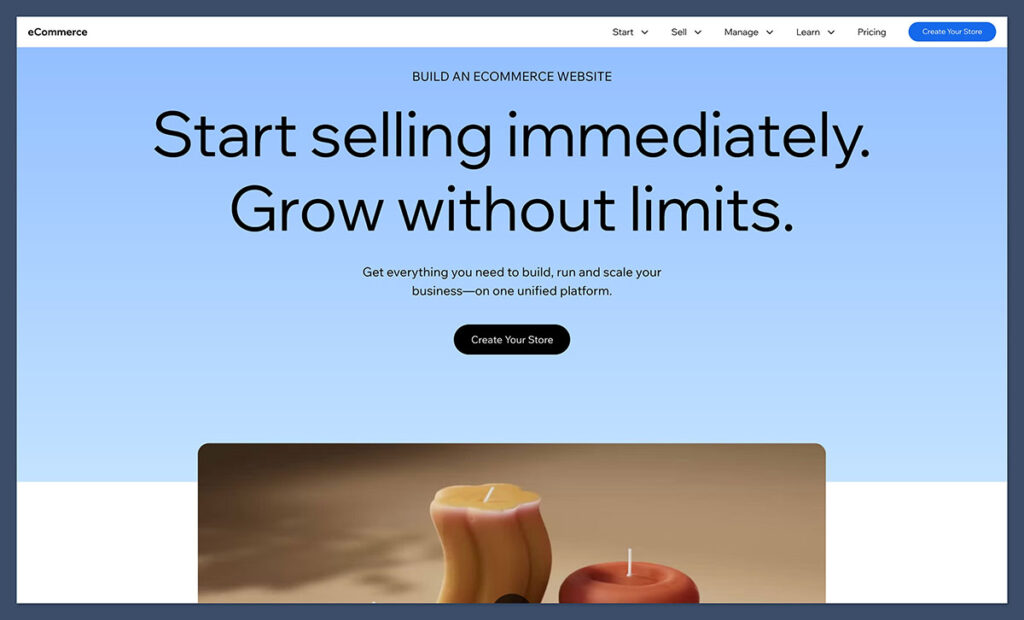
Best for Beginners

Saying Wix is for beginners is an understatement, and that’s not a bad thing.
Wix has come the closest to perfecting the drag-and-drop editor; even a complete newcomer to the web design and ecommerce game can figure out how to make a beautiful, functional ecommerce store.
Wix is a website builder first, ecommerce platform second.
But, to be honest, it's come on a long way since then and I found its drag and drop builder to be super easy to use. Perfect for anyone who wants to start selling without hiring a developer or getting bogged down in code.
Their ecommerce site builder – powered by AI – can whip up a fully functional online store in no time, with just a few quick questions. It's not exactly the best option for huge inventories – but it's perfect for lean stores and solo entrepreneurs who are just getting started.
Pros
- The editor is ridiculously easy to use, with a vast library of over 2000 templates at your fingertips
- Built-in product galleries, bookings, and subscriptions make it easy to add variety to your site
- The AI tools are a game-changer when it comes to building, writing and managing content – and they're all included
- You can take payments from multiple different sources – and get 24/7 support and a ton of learning resources on top
Cons
- Unfortunately, there are some pretty big limitations on product filters and variants
- And while the site loads quickly on desktop, its a bit of a slug on mobile
- And worst of all – there's no way to customize the checkout process
Wix Pricing (Ecommerce Plans)
| Plan | Monthly Price (USD) | Features Included |
| Business Basic | $27 | Accepts payments, basic features |
| Business Unlimited | $32 | Subscriptions, 100GB storage |
| Business VIP | $59 | Priority support, unlimited bandwidth |
The Business Basic plan at $27/month gives you all the core features needed to launch a store and start accepting payments. It includes a free domain for a year, secure online payments, unlimited products, and basic marketing tools—ideal if you're just getting started and want a clean, simple setup.
The Business Unlimited plan at $32/month is a better fit for sellers who want more flexibility and scale. It adds support for subscriptions, 100GB of storage, advanced shipping rules, and access to Wix’s logo maker and analytics apps, making it a good next step for stores with growing traffic or more complex product offerings.
The Business VIP plan at $59/month is designed for sellers who want full priority support and the most resources Wix offers. This includes unlimited bandwidth, VIP customer service, faster response times, and advanced marketing tools, making it best for established brands that rely on uptime and customer experience.
Bottom Line:
If you're on a deadline to build a beautiful online store and don't need all the bells and whistles, Wix is probably your best bet.
#3. BigCommerce – Best for Scaling and B2B

Best for mid to large businesses

Scaling your business should be priority #1 for you as an entrepreneur. So, why not choose a platform that pushes you to grow?

BigCommerce has long been the fiercest competitor to Shopify, but it has shifted its strategy as a platform that fosters rapidly growing online stores. Even its pricing is set up to raise as you increase your sales.
BigCommerce is designed to help you grow. Unlike Shopify, it comes with heaps of ecommerce features built-in, so you don't have to mess around with apps to get the job done.
While testing, I was really impressed with how well it integrates with Amazon, Google Shopping, and eBay – and it's got some seriously useful B2B features like customer groups, price lists, and quote management – which are only available on Shopify's enterprise plan
Pros
- Good news: no transaction fees on any plan!
- Strong SEO tools and it loads fast – which is a big plus
- Advanced inventory and order management – which is super useful for big or complex stores
- Built-in multi-currency and cross-channel selling – which is a game-changer for some sellers
- And it's a good option for B2B functionality too
Cons
- One major downside is that design customization is a real challenge – unless you're a coder
- And some people report a bit of a learning curve
- And finally, the revenue caps can bump you up into a higher plan if you're not careful
BigCommerce Pricing
| Plan | Monthly Price (USD) | Annual Revenue Limit |
| Standard | $39 | Up to $50,000/year |
| Plus | $105 | Up to $180,000/year |
| Pro | $399 | Up to $400,000/year |
| Enterprise | Custom | Unlimited |
The Standard plan at $39/month is a great place to start if you're a new store making up to $50,000 per year. It's got multi-channel selling (eBay, Amazon, Facebook), coupons and discounts, real-time shipping quotes, and a heap of other useful features that'll get you up and running in no time.
The Plus plan at $105/month is a good place to be if you're looking to build some more marketing and conversion tools. You get customer segmentation, abandoned cart saver, stored credit cards for quicker checkouts, and lower credit card fees – which is perfect for building loyalty and improving the customer journey.
The Pro plan at $399/month is built for higher-volume stores making up to $400,000 per year. It's got advanced search filtering (faceted search), Google customer reviews integration, and custom SSL, along with a higher API limit – which is perfect for big product catalogs or complex customer experiences.
The Enterprise plan is custom pricing – with no revenue cap. It's perfect for fast-scaling or established businesses that need a heap of resources and support.
Bottom Line:
If you're building a big or complex store and want everything built-in, BigCommerce is probably your best bet.
4. Squarespace Commerce – Best for Creatives

Best for Creatives

With photo-centric themes and a true drag-and-drop builder, Squarespace is the place for creatives to show off their work.
On the other hand, it’s not a bad platform for any ecommerce business that plans to use high-resolution imagery on their website.
Squarespace stands out for its stunning templates and visual design. I found it a great fit for creative businesses, photographers, designers and artists selling physical or digital products.
Their new Blueprint AI tool can create a starter layout based on your brand style. It's not the most advanced ecommerce engine, but for small catologues and visual storytelling, it's great.
Pros
- Squarespace's templates are a real showstopper
- They come with built-in booking, services and product pages
- Strong blogging and content tools
- No transaction fees on Commerce plans
- Easy to use and maintain
Cons
- Limited product filtering and inventory options
- No advanced shipping or B2B features
- Less scalable for big stores
Squarespace Commerce Pricing
| Plan | Monthly Price (USD) | Features |
| Commerce Basic | $27 | Sell online, no transaction fees |
| Commerce Advanced | $49 | Subscriptions, advanced shipping |
The Commerce Basic plan at $27 a month gives you everything you need to run a modern online store with no transaction fees. That means unlimited products, mobile-optimised checkout, integrated accounting tools, customer accounts and access to powerful marketing features like email campaigns and promotional pop-ups – making it a solid pick for smaller stores or creative businesses.
The Commerce Advanced plan at $49 a month adds more control for growing businesses that need advanced tools. This tier unlocks subscriptions, abandoned cart recovery, advanced shipping and discounts, and access to API-based integrations – ideal for sellers who want to automate more of their business and drive repeat revenue through subscriptions.
The Bottom Line
If your store is small, visually led or brand-focused, Squarespace is a fantastic option – but you'll eventually hit limitations as you grow.
5. WooCommerce – Best for SEO and Customization
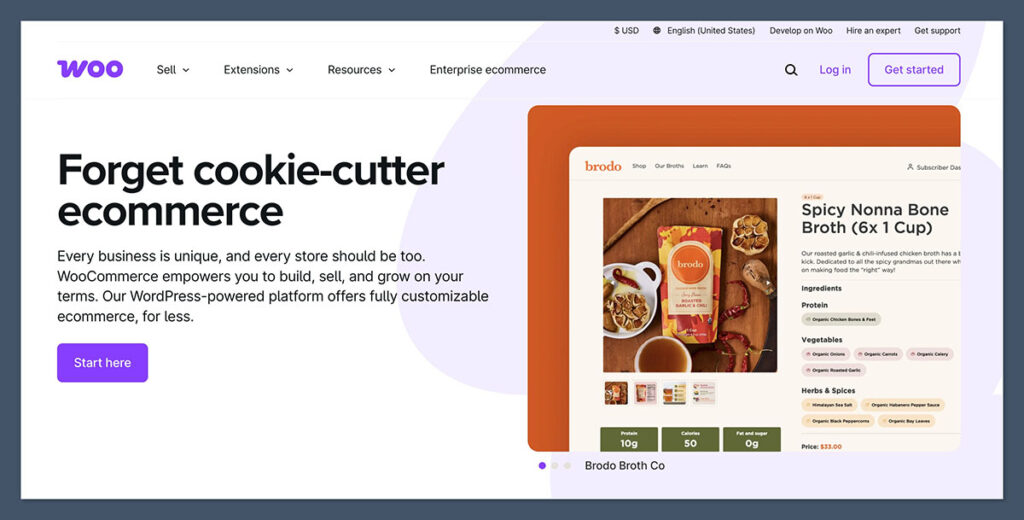
Rating: 4.3 / 5
Starting at free (just the plugin)
No trial needed
WooCommerce is the WordPress plugin that can turn your website into a fully functional store. Being open source gives you complete control over your design, code and even the functionality.
If SEO and content are key to your growth strategy, WooCommerce is the way to go. I found that during testing, I had complete control over URLs, schema, product page layout and even blog integration.
Pros
- WooCommerce really shines with excellent SEO and content marketing tools
- You can customise the design and structure to your heart's content
- No pesky platform fees – just hosting and extensions costs
- There's a huge community of developers and plugins to call on
- You can easily manage your products and categories
Cons
- Don't get me wrong, there's some technical setup needed (hosting, SSL, backups)…
- And maintenance? That can be time consuming
- And sometimes plugin conflicts can break your site
Typical WooCommerce Costs
| Feature/Service | Estimated Monthly Cost |
| Hosting (SiteGround, Cloudways) | $15–$50 |
| Premium Plugins & Themes | $0–$100+ |
| Developer Help (optional) | Varies |
While WooCommerce itself is free, the real costs come down to how you build and run your store.
Hosting is essential, and usually costs between $15 and $50 a month (SiteGround and Cloudways are popular options).
Many store owners also splash out on premium plugins or themes to get more features – this can be anywhere from $0 to over $100 a month, depending on what you need (like advanced SEO, custom checkout or shipping rules).
If you're not doing the technical work yourself, then hiring a developer to sort out the setup, maintenance or custom tweaks is an optional – but often necessary – expense that can vary widely.
The Bottom Line
If you or your team are confident handling the technical side, WooCommerce offers complete freedom and control – especially if you're big on SEO.
Key Takeaways
- Shopify is best overall for selling products online, no matter the size
- Wix is best for beginners who want to start selling quickly
- BigCommerce offers the most advanced features for large catalogues and B2B
- WooCommerce is ideal for SEO and customisation if you're tech-savvy
- Squarespace is perfect for creatives and design-led stores
How to Choose the Right Ecommerce Platform
Not sure where to start? Here's a quick guide based on what you need:
| Your Business Goal | Best Platform |
| Launching fast without tech skills | Wix or Shopify |
| Building a scalable ecommerce operation | Shopify or BigCommerce |
| Focusing on SEO and blogging | WooCommerce |
| Selling services or digital downloads | Squarespace or Wix |
| Needing B2B tools or wholesale pricing | BigCommerce |
Every platform has trade-offs, so your decision should match how you plan to grow.
Think about what features matter most to your business – whether that's speed, flexibility, content or advanced sales tools – and choose the one that supports your long-term strategy.
Final Verdict
There may not be a single ecommerce platform that fits everyones needs perfectly but if i had to pick one that generally meets the needs of most users, it would be Shopify.
The thing is, its fast, works reliably, can scale to meet your growing needs and its literally built to sell online.
But if you're on a tight budget or want a bit more freedom to customise things, Wix and WooCommerce are well worth checking out as alternatives.
Have a poke around the free trials and demos, and go with the one that best fits what you're looking for and your businesss current stage of growth.

Thanks for this honest comparisons! I think that WIX might be a better fit for me to create an ecommerce store. This was very helpful 🙂
Thanks for sharing!
Interesting post karol
Rhanks Rakesh!
Wow, impressive post! Really appreciate the effort spent on comparing all these platforms. Sometimes it’s really hard to decide which one would fit your expectations and needs. Therefore, I often use Cart2Cart’s migration preview service and migrate some of the data to their test store without even installing the platform. It’s really convenient, especially for those